Brand
Meet the croc.
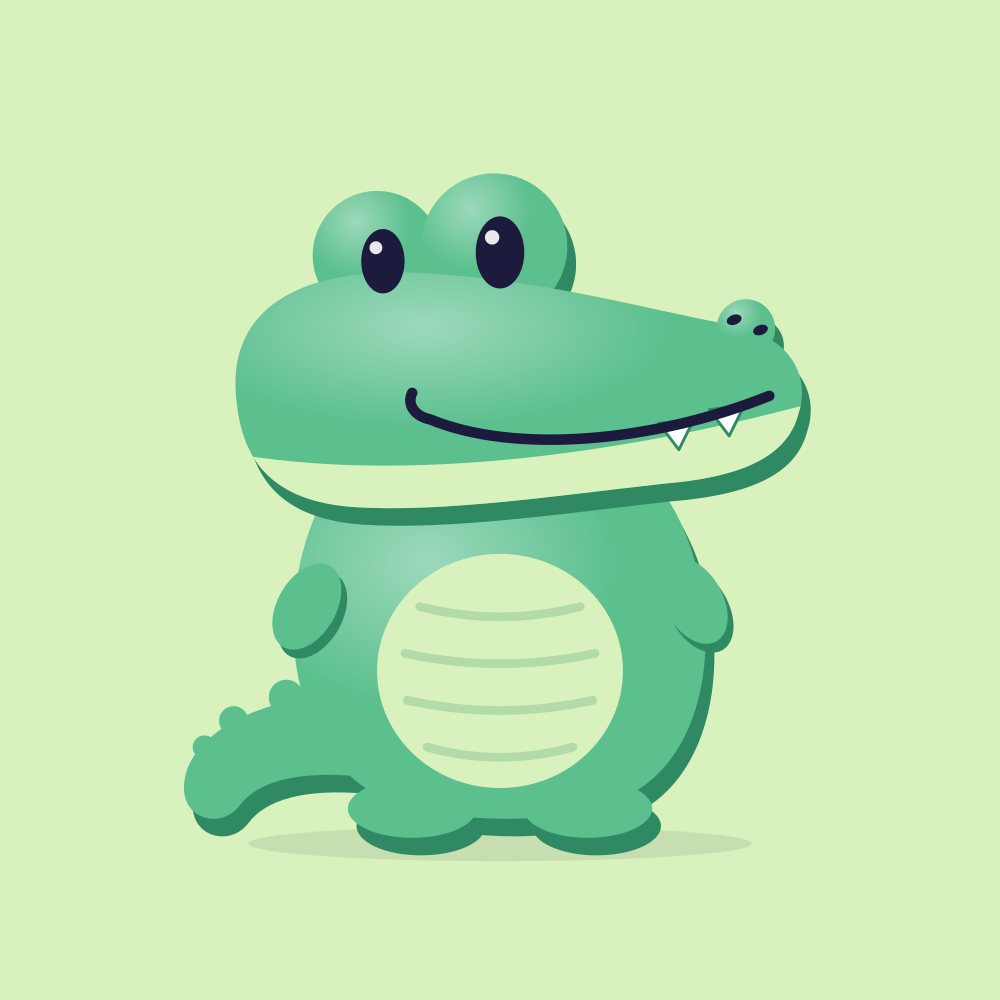
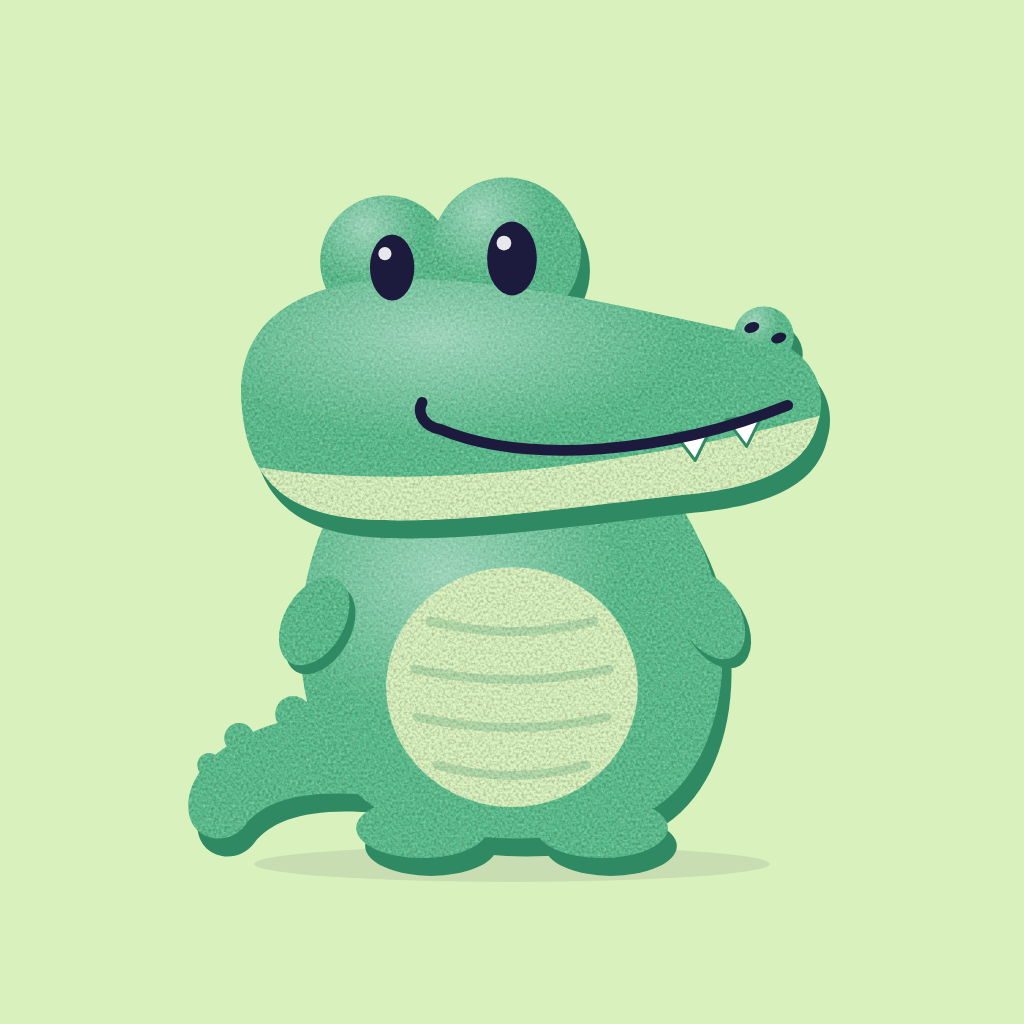
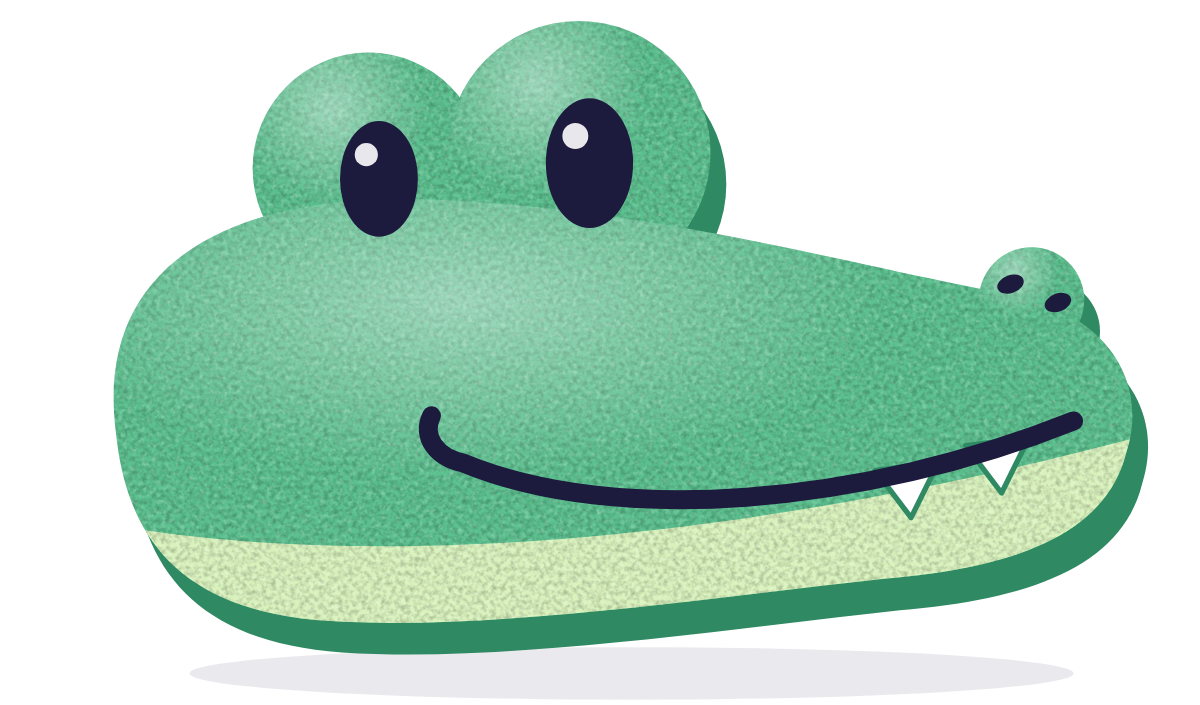
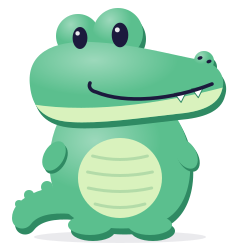
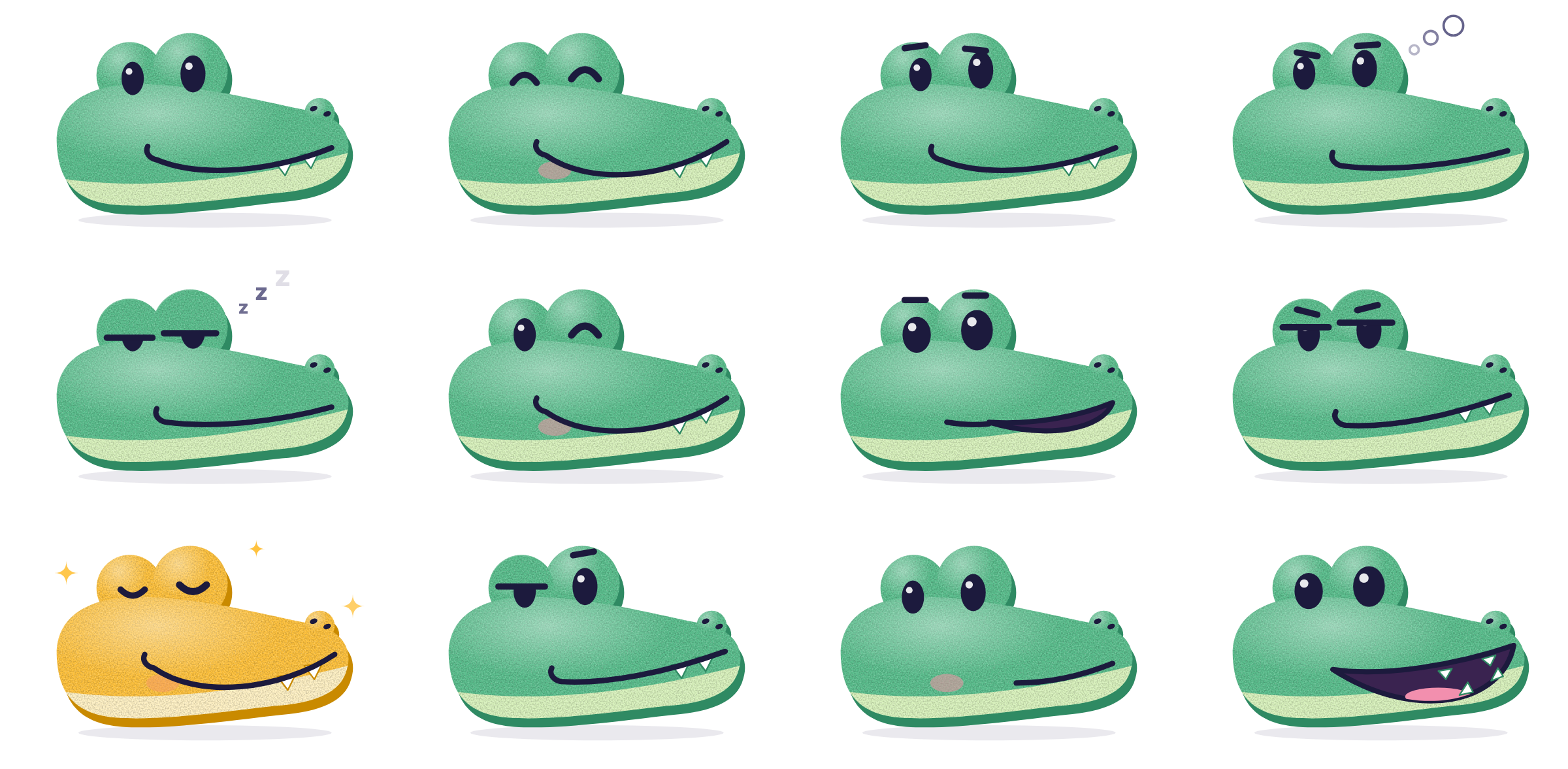
Its name is Moss. It walks you through every map in Learncroc: it watches you work, grins when you get it, thinks while it answers and dozes off if you leave.
In the logo it holds still. Everything on this page is one drawing; the faces, colours and poses are settings.
Pick a face, a colour and a pose, then download that croc. Click it and it snaps.
Logo
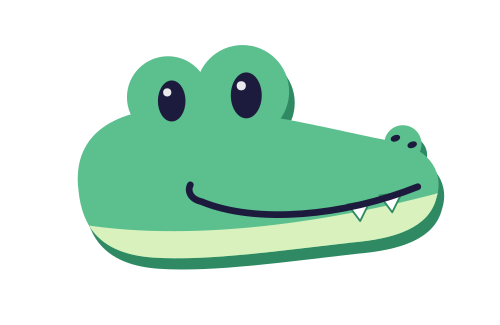
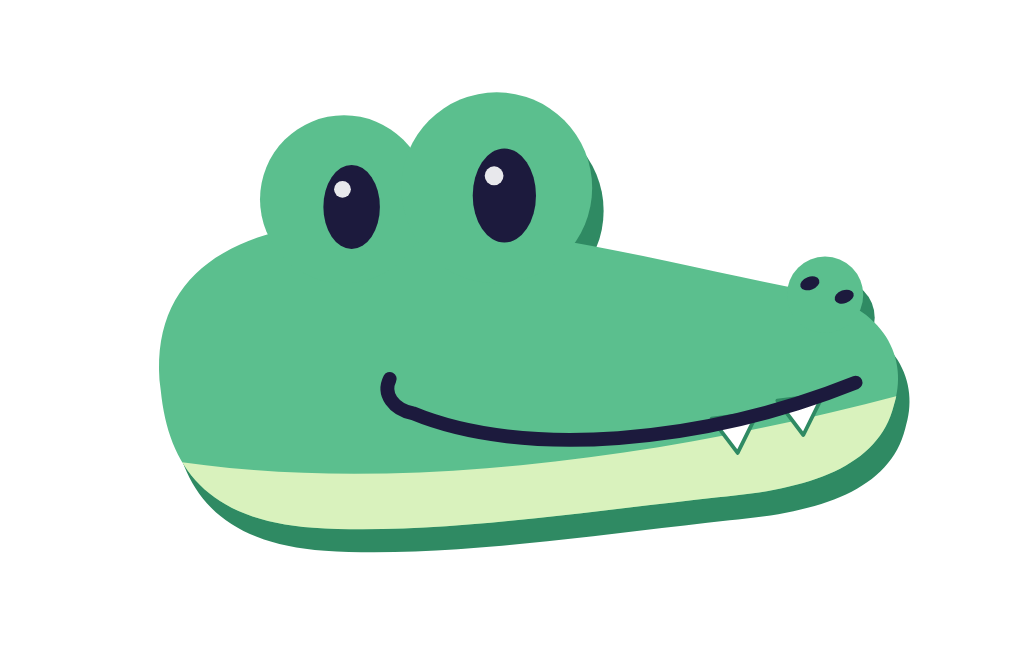
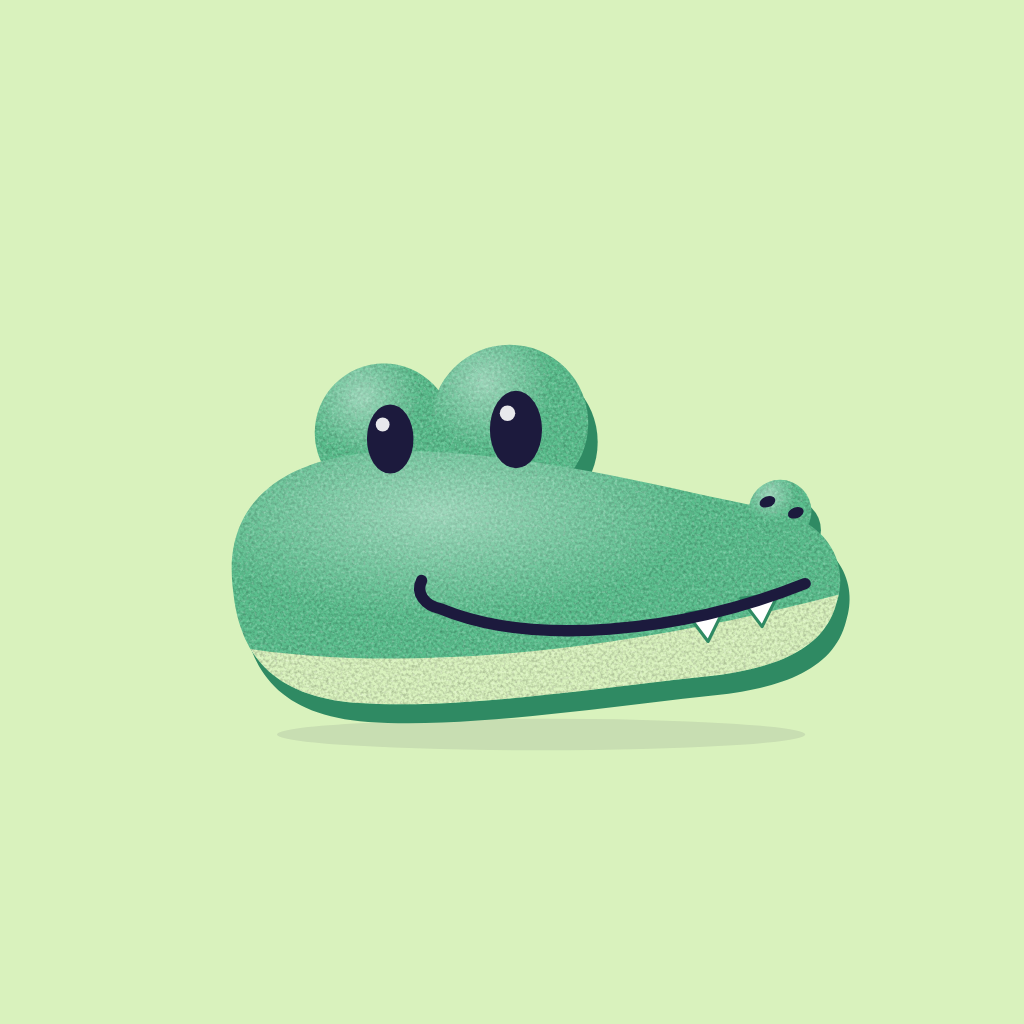
The logo croc is the mascot's head, flat and still, so it reads at 16 pixels. The wordmark is Recursive, the product's typeface, in its casual style, always lowercase. Use the primary logo unless the space says otherwise.
Icons and avatars
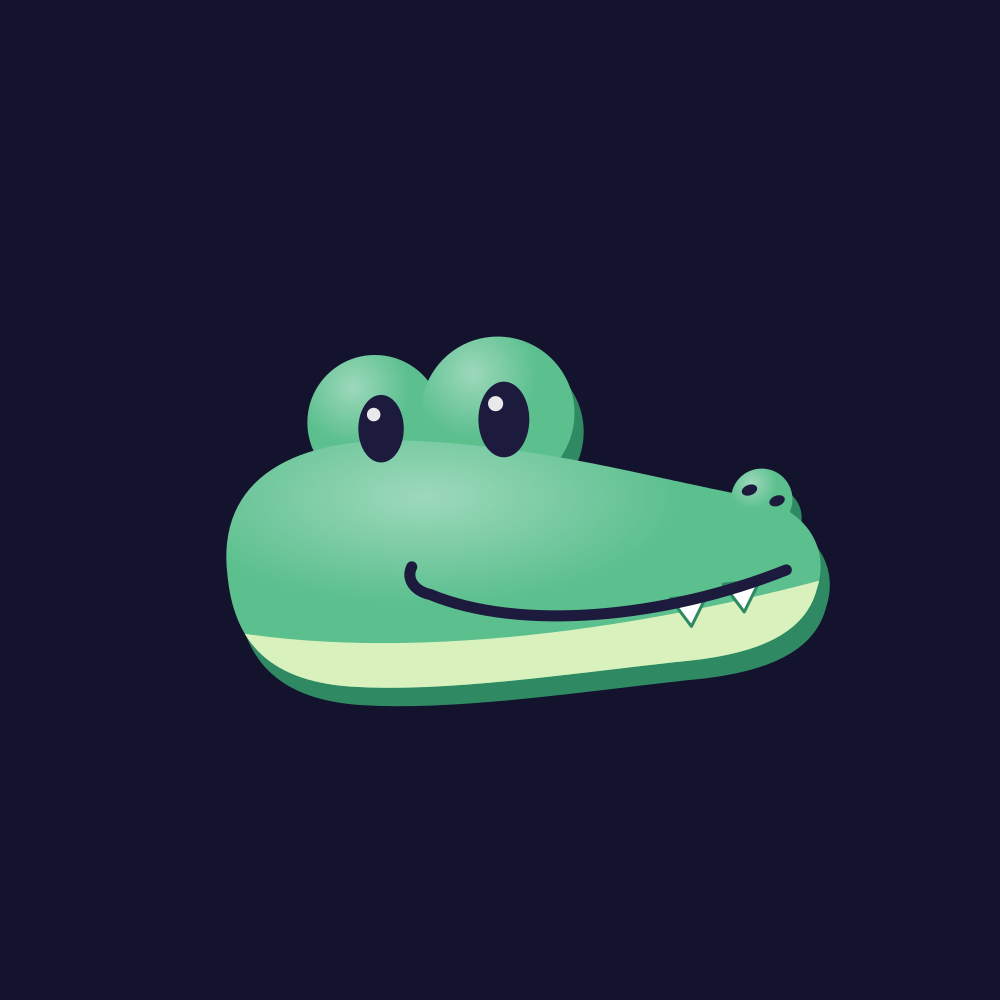
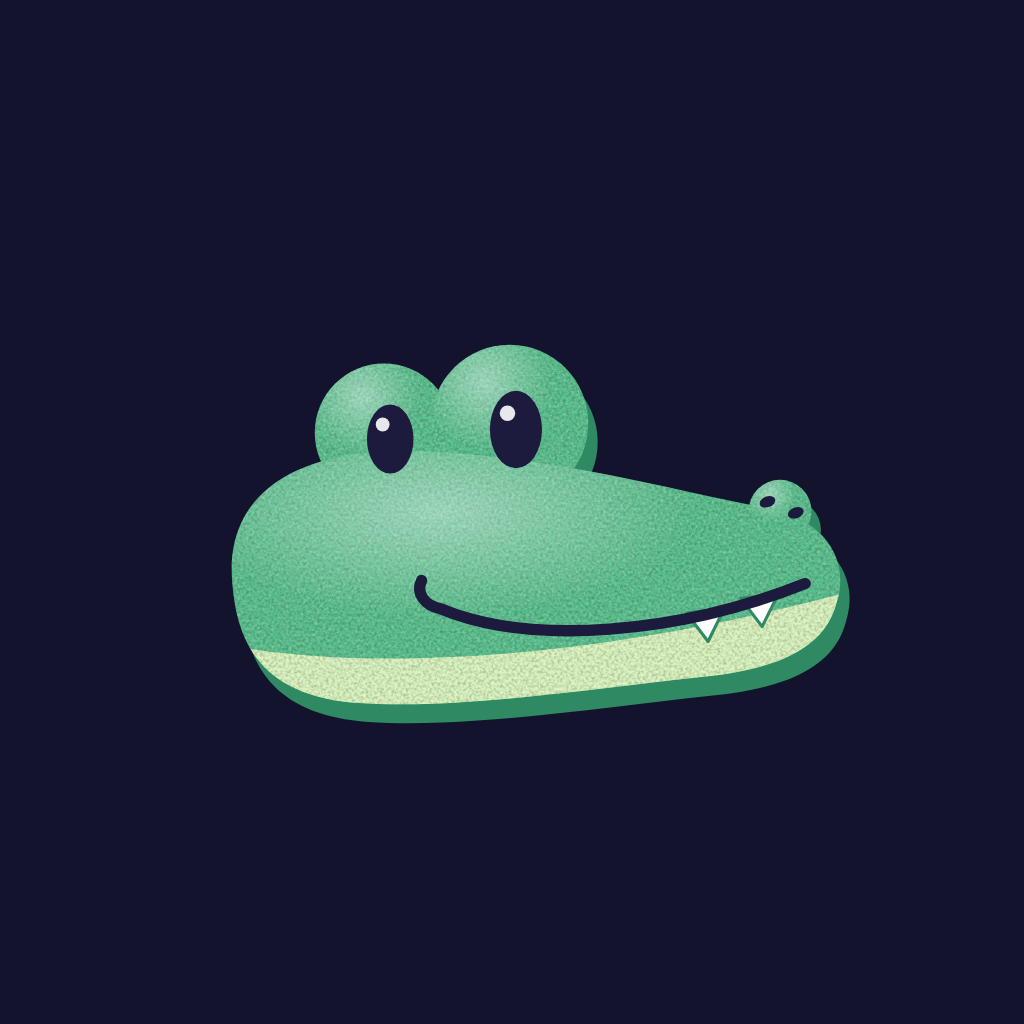
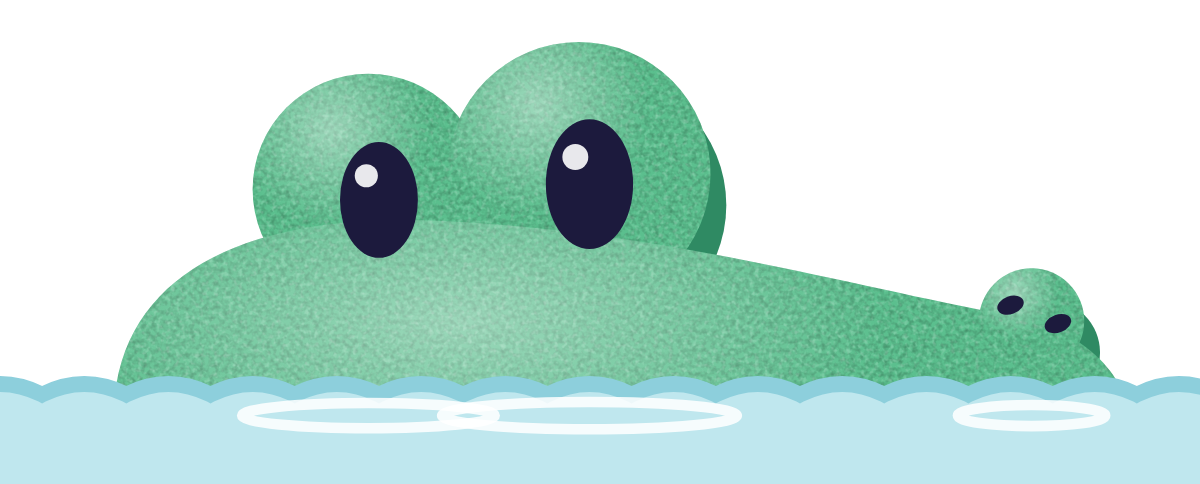
The app icon puts the logo croc on night. The favicon crops to the croc peeking out of the water, because at 16 pixels only the eyes read. Avatars use the clay croc and keep it inside the circle that profile pictures crop to.

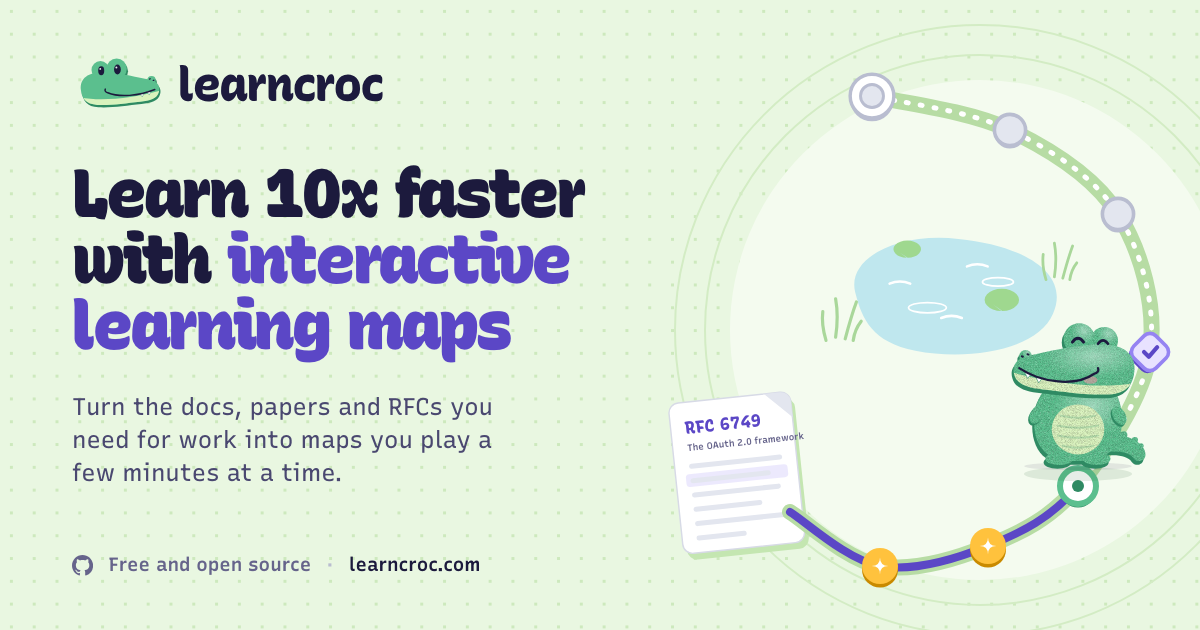
Learn 10x faster with interactive learning maps
Turn the docs, papers and RFCs you need for work into maps you play a few minutes at a time.
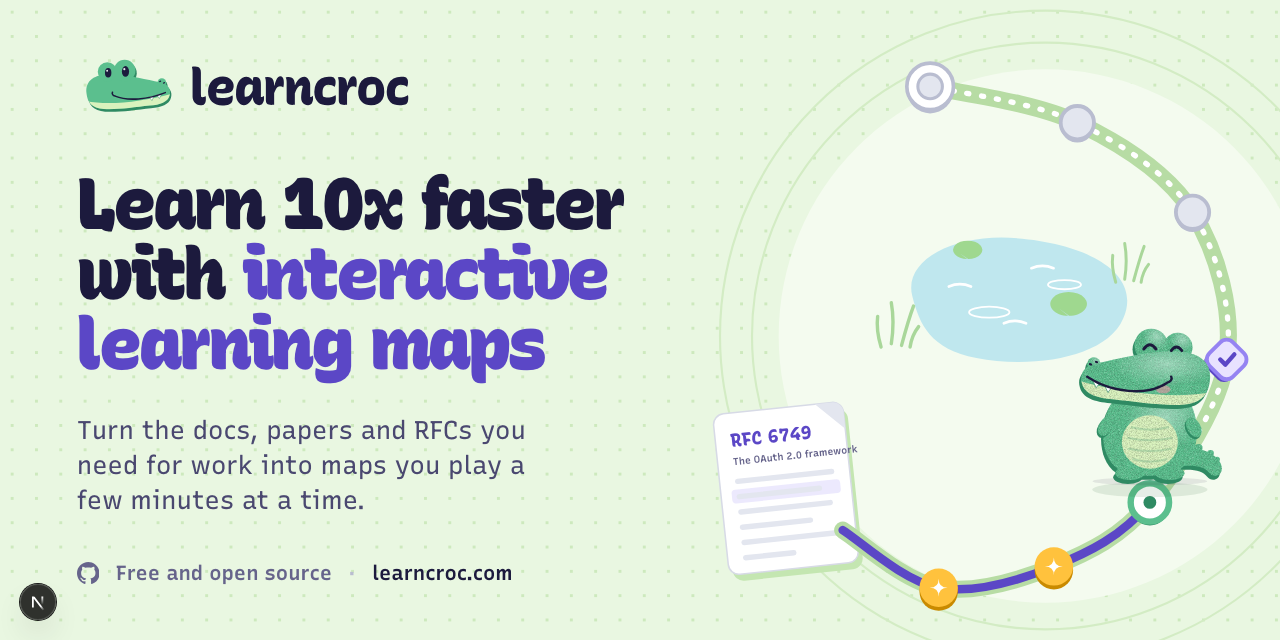
Learn 10x faster with interactive learning maps
Turn the docs, papers and RFCs you need for work into maps you play a few minutes at a time.
Faces and poses
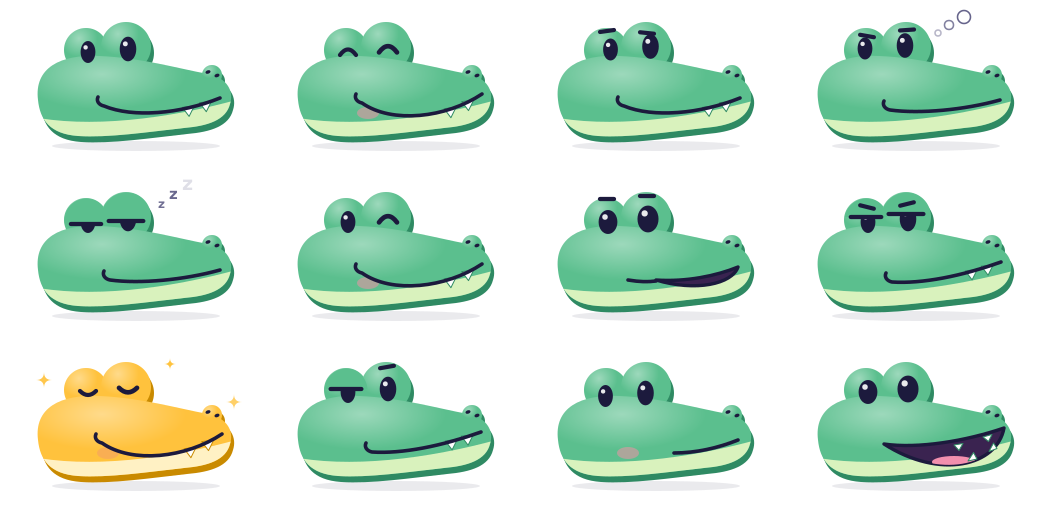
The croc has twelve faces. Each one has a job in the app, so use a face for what it means. In marketing, Hello and Happy cover almost everything.


Sheets: every face · every colour

Colours
Jade is the croc. Ink and night carry the type and the dark surfaces, sea marks what you can press, and lumen is kept for one meaning: you know this. Click a value to copy it.
The croc. Logo, icons, primary buttons.
The croc's underside and button edges.
The croc's belly. Icon and avatar fields.
Text, the wordmark, the croc's eyes.
Dark backgrounds and the app icon.
Page background.
Links, focus rings, right answers.
Mastery only. A lit stop, a gold croc.
The croc family
One croc, nine colours. Jade is the croc; the others are for map themes and learner avatars. Each colour is four values: body, shade, belly and blush.
- Jade is the croc.Logo, app icon, favicon, avatars and anywhere the croc stands for Learncroc.
- Gold means you know it.The croc turns gold only for a moment when a stop lights up, so gold keeps its meaning.
- There’s no red croc.In a learning app red reads as wrong, and the croc is never the thing that tells you off. There is no red anywhere in Learncroc.
Type
One family: Recursive, a variable font with a casual axis. Headlines lean casual, body text stays linear. It’s free under the SIL Open Font License, on Google Fonts.
Wordmark: weight 830, casual 1, cursive 1, tracking −3.5%, lowercase. Display: weight 760 to 820, casual 0.7 to 1. Body: weight 430, casual 0. Code: the mono axis.
const map = await learncroc.fromLink(url)
56/64 · 820Learn it.
40/48 · 760Learn it by its map
30/36 · 700How attention works
24/32 · 650Every stop asks a question
16/24 · 430Every stop asks a question, then answers it.
Usage
Give the logo room, keep it big enough to read, and use the files as they are. When in doubt, the primary logo on a plain background is always right.
Please don’t
Name and voice
How to write about Learncroc, and how Learncroc writes.
The name
- In a sentence
- Learncroc. One word, capital L.
- In the logo
- learncroc, lowercase, only as the drawn wordmark.
- Not
- LearnCroc, Learn Croc, LC, learnCroc.
- The croc
- Moss, or “the croc”. It, not he or she.
The voice
- Dry, warm, adult. A good colleague explaining something at a whiteboard, not a cheerleader.
- No exclamation marks. The croc grins instead.
- Honest about mistakes. “Lots of people guess this”, never “Wrong”. No red, no X marks.
- Numbers have sources. Or they say they’re illustrative.
Downloads
Every file, as SVG and PNG. SVGs are self-contained: the colours are inside and the wordmark is outlined, so they open the same in a browser, Figma or Illustrator. Or take the whole kit as a zip.
Logo
Icons
Avatars

Use the name and the croc to point to Learncroc: in articles, talks, integrations and community projects. Don’t use them in a way that suggests we made or endorse something we didn’t. The product’s code is open source; its licence doesn’t cover the name or the croc.
Learn 10x faster with interactive learning maps
Turn the docs, papers and RFCs you need for work into maps you play a few minutes at a time.